
스킬 체이닝 가이드
Cowork에서 가장 중요한 실무 기술. 단일 스킬보다 2-4개를 엮은 체인이 결과 품질을 10배 좌우합니다.
스킬 하나하나는 한 분야에 특화되어 폭이 좁습니다. 예를 들어:
consult-strategy는 전략 초안을 잘 쓰지만 DOCX로 저장하지 못합니다.doc-docx는 파일을 잘 만들지만 전략을 기획하지 못합니다.- 생성된 글은 대부분 AI 특유의 기계적 어투가 남아 있습니다.
셋을 엮으면 각 스킬의 장점만 결합한 하나의 파이프라인이 됩니다.
strategy-planner → doc-docx → ai-slop-reviewer체인 설계는 “블로그 글 하나 발행해줘” 같은 한 줄 요청을 여러 스킬이 차례로 이어받는 파이프라인(작업이 한 방향으로 흘러가는 연결선)으로 설계하는 방법입니다. 요리에 비유하면 한 냄비에 다 넣고 끓이는 게 아니라, 재료 손질 → 볶기 → 플레이팅 → 맛보기 순서로 요리 단계를 나누는 것과 같습니다. 순서가 있어야 결과가 일관되게 맛있듯, 스킬에도 순서가 있어야 산출물 품질이 흔들리지 않습니다.
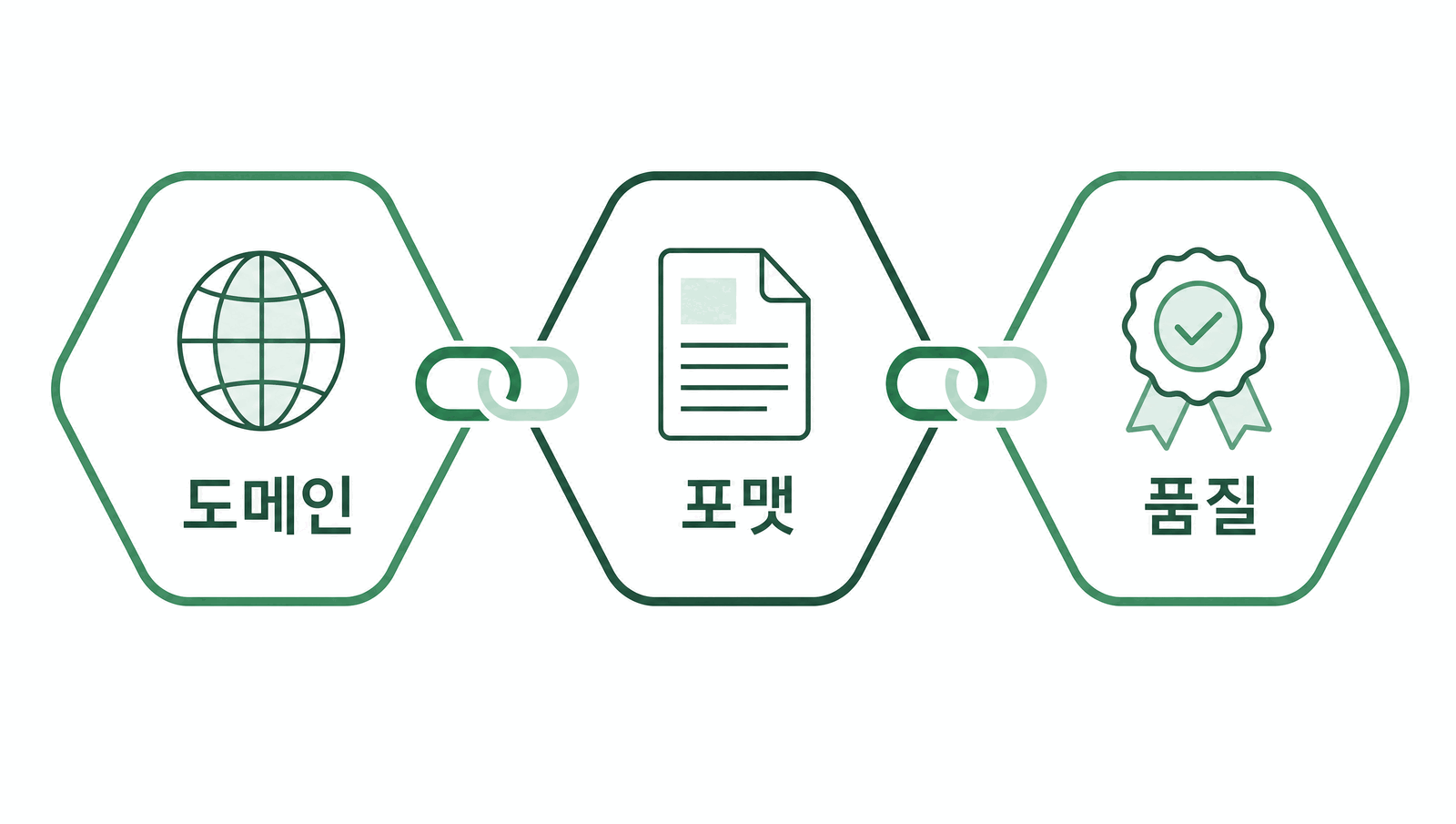
설계는 다섯 단계로 진행됩니다. 먼저 입력 분석으로 “무엇을, 누구에게 만들 것인가"를 정합니다. 그다음 단계 분해로 큰 일을 작업 조각으로 쪼갭니다(예: 블로그 발행 → 주제 선정 → 원고 작성 → 발행 → 품질 점검). 셋째 스킬 선택에서 각 조각에 맞는 스킬을 골라 매칭합니다 — 이때 3원칙인 “도메인(분야 전문) → 포맷(문서 형식) → 품질(검수)” 순서를 따릅니다. 넷째 흐름 구성으로 스킬들을 화살표로 연결해 하나의 체인으로 조립합니다. 마지막 테스트에서 결과를 검증하고, 부족하면 스킬 선택 단계로 돌아가 조정합니다.
예를 들어 블로그 발행 체인은 content-blog → content-copywriting → marketing-landing-page → ai-slop-reviewer → korean-humanize → 최종 검수처럼 조립됩니다. 도메인 스킬(content-blog)이 내용을 만들고, 포맷 스킬(marketing-landing-page)이 형태를 갖추고, 품질 스킬(ai-slop-reviewer, korean-humanize)이 AI 특유 어투를 솎아내는 구조입니다. 한국어 텍스트 체인은 윤문에서 끝나지 않습니다 — 다듬기 전 원문과 윤문본을 나란히 놓고 뜻이 바뀌지 않았는지 확인하는 최종 검수가 마지막 관문이고, 이 관문을 통과해야 산출물이 전달됩니다.
flowchart LR
   subgraph Domain["① 도메인 스킬"]
       D1["strategy-planner"]
       D2["contract-review"]
       D3["blog"]
   end

   subgraph Format["② 포맷 스킬"]
       F1["doc-docx"]
       F2["doc-pptx"]
       F3["doc-xlsx"]
   end

   subgraph Quality["③ 품질 스킬"]
       Q1["ai-slop-reviewer"]
   end

   Domain --> Format --> Quality

   style Domain fill:#e6e6e6,stroke:#757575,color:#09110f
   style Format fill:#fbf0dc,stroke:#c47b2a,color:#09110f
   style Quality fill:#e8f1ec,stroke:#265240,color:#09110f
도메인 → 포맷 → 품질
항상 도메인 스킬이 먼저, 포맷 변환이 중간, 품질 검수가 마지막입니다.
text(도메인: moai-consultant / moai-lawyer / moai-marketer 등) → (포맷: moai-officer 의 docx/xlsx/pptx/hwpx) → (품질: ai-slop-reviewer)숫자·차트·코드는 품질 스킬 생략
재무제표, 데이터 차트, 스크립트 코드는 AI 어투를 검출할 게 없으므로
ai-slop-reviewer를 생략합니다.같은 체인을 슬래시 명령으로 저장
자주 쓰는 체인은 슬래시 명령으로 만들면 한 번의 지시로 실행됩니다. 예:
/weekly-report는status-reporter → doc-xlsx → doc-docx → ai-slop-reviewer를 한 번에.
flowchart TD
   s1["① 입력 분석
(요청 이해)"]
   s2["② 단계 분해
(작업 쪼개기)"]
   s3{"③ 스킬 선택
(도메인 → 포맷 → 품질)"}
   s4["④ 흐름 구성
(체인 조립)"]
   chain["조립된 체인
blog → copywriting → landing-page
→ ai-slop-reviewer → korean-humanize → 최종 검수"]
   s5{"⑤ 테스트
(결과 검증)"}
   s6["완성된 산출물
(배포)"]

   s1 --> s2 --> s3
   s3 -- "매칭" --> grp
   grp -- "선택 완료" --> s4
   s4 -- "조립" --> chain --> s5
   s5 -- "예 (통과)" --> s6
   s5 -. "아니오 (수정)" .-> s3

   subgraph grp["매칭된 스킬 (Skills)"]
       direction LR
       sk1["blog
(원고 작성)"]
       sk2["copywriting
(카피)"]
       sk3["landing-page
(발행)"]
       sk4["ai-slop-reviewer
(품질 점검)"]
       sk5["korean-humanize
(자연스러움)"]
       sk6["최종 검수
(원문 대조)"]
       sk1 ~~~ sk2 ~~~ sk3 ~~~ sk4 ~~~ sk5 ~~~ sk6
   end
각 체인의 출처 플러그인을 함께 표기했습니다. 설치 시 참고하세요. 한국어 텍스트를 최종 산출로 내주는 체인은 표의 마지막에 korean-humanize(정밀 윤문)와 최종 검수가 이어붙습니다 — 윤문까지 마친 글을 원문과 대조해 뜻이 그대로인지 확인하는 관문입니다.
| 용도 | 체인 | 사용 플러그인 |
|---|---|---|
| 블로그 글 | 1. content-blog2. ai-slop-reviewer | moai-marketer, moai-coworker |
| 보도자료 | 1. content-copywriting(헤드라인·본문 카피)2. doc-docx3. ai-slop-reviewer | moai-marketer, moai-officer, moai-coworker |
| 사업계획서 | 1. consult-strategy2. doc-docx3. ai-slop-reviewer | moai-consultant, moai-officer, moai-coworker |
| IR 덱 | 1. finance-investor-relations2. doc-pptx3. ai-slop-reviewer | moai-consultant, moai-officer, moai-coworker |
| 월말 결산 | 1. finance-close-management2. doc-xlsx3. doc-docx | moai-accountant, moai-officer |
| NDA 검토 | 1. legal-nda-triage2. doc-docx(수정본)3. ai-slop-reviewer | moai-lawyer, moai-officer, moai-coworker |
| 계약서 리뷰 | 1. legal-contract-review2. legal-legal-risk3. doc-docx | moai-lawyer, moai-officer |
| 주간 보고서 | 1. collab-status-report2. doc-xlsx3. doc-docx4. ai-slop-reviewer | moai-coworker, moai-officer |
| 카드뉴스 | 1. content-card-news2. media-higgsfield-image(이미지)3. doc-pptx | moai-marketer, moai-media, moai-officer |
| 쇼츠 영상 | 1. content-sns-content(스크립트)2. media-audio-gen(TTS)3. media-higgsfield-video(영상) | moai-marketer, moai-media |
| 연구 논문 | 1. education-paper-search2. education-paper-writer3. doc-docx4. ai-slop-reviewer | moai-tutor, moai-officer, moai-coworker |
| 면접 준비 | 1. hr-job-analysis2. career-interview(실전·모의) | moai-career |
Warning실수 1 —ai-slop-reviewer를 맨 앞에 둔다. 검수할 원문이 없으므로 의미가 없습니다. 마지막에 오는 스킬입니다.
Warning실수 2 — 포맷 스킬을 여러 번 호출한다. docx 생성 후 다시 docx로 변환하면 포맷이 깨집니다. 한 번만 통과시키세요.
Warning실수 3 — 도메인 스킬 2개를 같은 프롬프트에 섞는다.consult-strategy와consult-market를 동시에 요청하면 한쪽이 약해집니다. 필요하면 두 번 나눠 호출한 뒤doc-docx에서 합치세요.
- 결과가 너무 짧다 → 도메인 스킬에 구체 맥락(독자·목적·분량)을 추가로 넣어 재실행.
- AI 티가 난다 →
ai-slop-reviewer실행했는지 확인. 생략됐다면 마지막 산출물에 대해 수동 호출. - 포맷이 이상하다 →
doc-docx로그에서 어느 섹션이 빠졌는지 확인 후 원문을 보강. - 파일이 안 열린다 (Windows) → 파일명·폴더 경로가 260자 넘지 않는지 확인.